Services
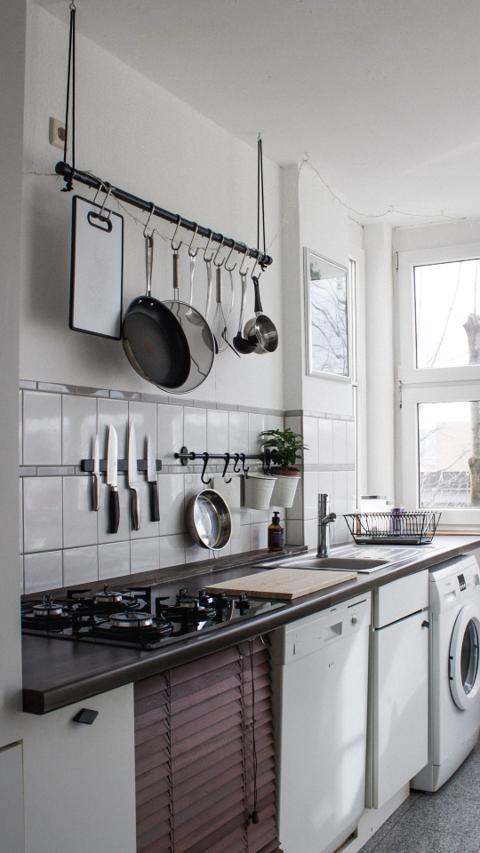
Feature One
Adapt these three columns to fit your design need. To duplicate, delete or move columns, select the column and use the top icons to perform your action.
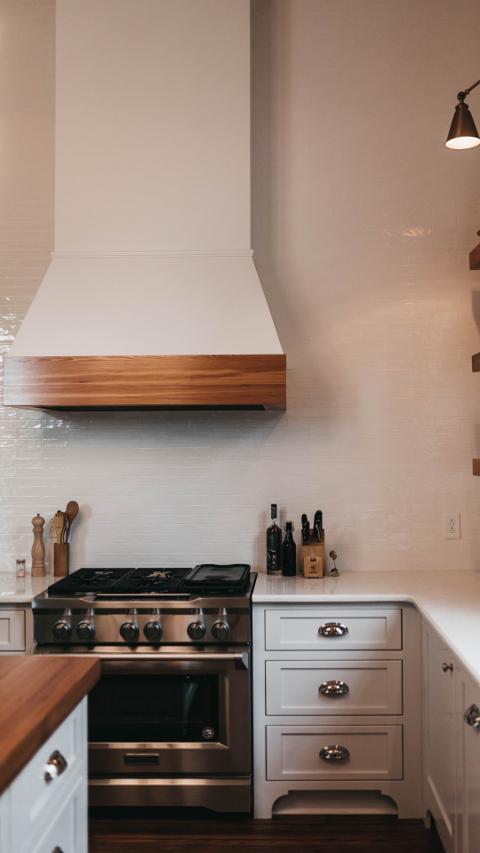
Feature Two
To add a fourth column, reduce the size of these three columns using the right icon of each block. Then, duplicate one of the columns to create a new one as a copy.
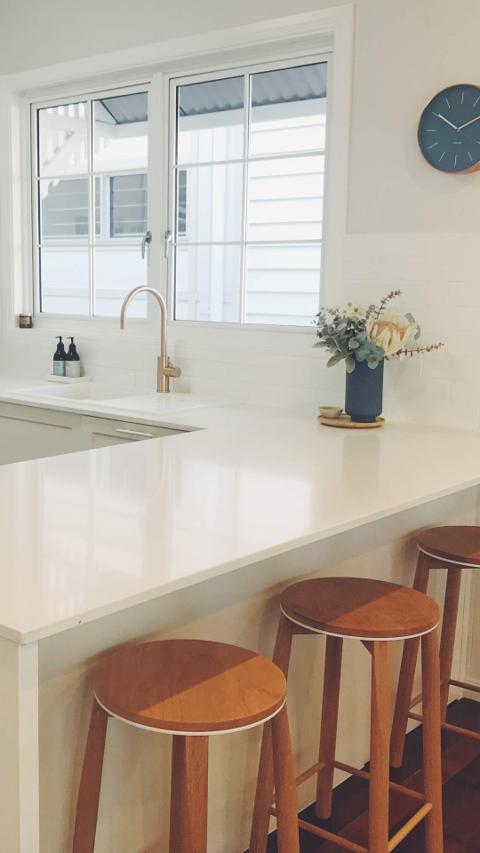
Feature Three
Showcase a stunning kitchen remodel or bath upgrade that reflects your style. Click the image to change its rounded corner style.
Trusted kitchen and bath remodeling, quality craftsmanship, and clear communication.

Ideal for family gatherings, busy mornings, and relaxing evenings.

A truly outstanding remodel. I love the new kitchen layout, and the craftsmanship is exceptional.